Build a website with Claude Code: one page at a time
To build a website with Claude Code, supply a readable brief, keep project rules in CLAUDE.md and approve one page before expanding. Here is how to organise that review loop.
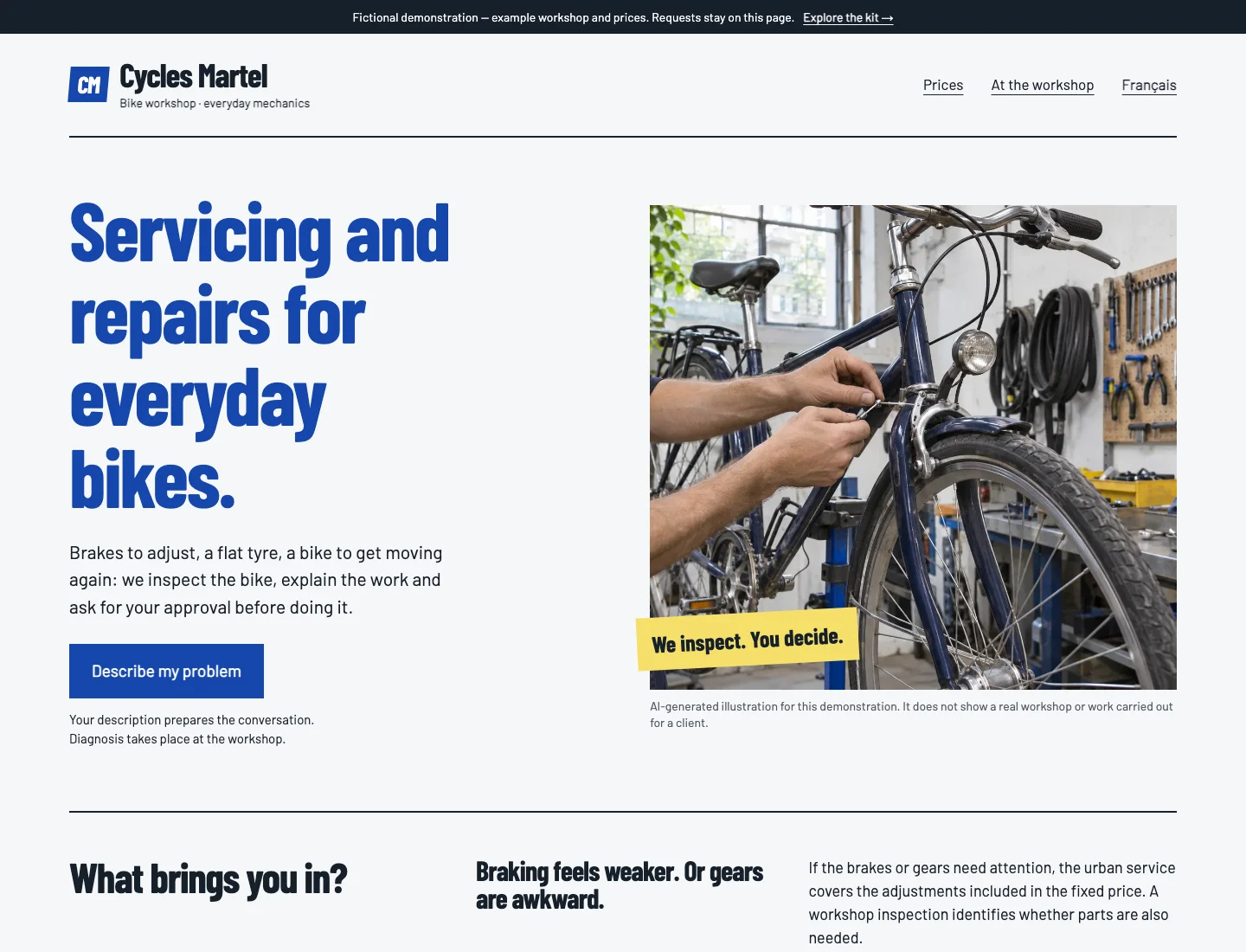
Cycles Martel: a bicycle workshop takes shape online
Fictional scenario worked through: a bicycle workshop that wants to present its prices and help customers describe a problem.
The kit’s method helps prepare the offer, copy, page architecture and implementation brief.
This prototype then required additional coding with Codex, using that preparation.
The kit provides a working folder: it includes neither coding nor hosting for the website.
1. Start Claude Code in the right project
This workflow concerns creating website files with Claude Code and an accessible working folder. It is separate from our guide to using Claude Code in a browser. Install and sign in using the official instructions for your environment.
In a terminal, enter the website folder and run claude. For an existing repository, ask it to read documentation and inspect the files first. Keep a recoverable version before making changes.
2. Put project rules in CLAUDE.md
At the project root, CLAUDE.md holds durable instructions: goal, reference documents and validation. Keep the brief, copy and approved images alongside it. Include instructions that affect the work rather than every possible preference.
Use the consultant and carpenter examples in the main guide to prepare your brief. Missing information should remain visible rather than being replaced with a plausible invention.
CLAUDE.md
Read brief.md, pages.md and copy.md.
Build a business website with one main contact action.
Reuse existing project components and commands.
Do not invent customers, testimonials or prices.
Report checks actually performed and those still outstanding.3. Inspect the project before building one page
Request a plan limited to the homepage. It should identify files and explain how to preview the result. Read permission requests against that scope: editing a homepage should not require access to all your other folders.
Then ask for the page with approved copy. If the agent proposes dependencies, ask what they add before accepting. A simple business website does not need a member area by default.
Read CLAUDE.md and its reference documents.
Identify existing components and commands.
Propose a homepage-only plan, then implement that page.
Use approved copy and the contact destination from the brief.
Run available checks and report their results.
Do not deploy.
4. Review the page and fix one observed problem
Open the homepage on desktop and phone. Read the service description without explaining it aloud: visitors will not have that extra context. Check heading order, contrast, keyboard navigation and the main button destination.
Give precise feedback: “At 375 px, the heading overlaps the contact button; the button must remain accessible without overlap.” Repeat the check after the fix. Test actual message delivery for forms. A passing build is not a visual review.
5. Add skills for a specific job
A skill can describe a reusable design or review procedure. Business context still belongs in project documents. Start with the core workflow and add a skill when you can identify the task or check it contributes.
The public Skills Guides introduction explains the concept. Consult current vendor instructions before installation. Having a skill installed does not establish that your website is accessible or ready to launch.
6. Prepare deployment and understand the limits
After reviewing the pages, request build steps, required variables and a rollback procedure. Choose hosting, then check HTTPS, links and contact delivery on the public URL.
The AI Website kit prepares your folder, copy, sitemap and brief. It does not deliver a coded or hosted website. This procedure is not a report of a Claude Code execution and makes no promise about completion time.
Official sources — consulted 7 November 2026
The quickstart documents launching the tool with claude. The memory documentation describes CLAUDE.md for project instructions. Access conditions and limits depend on your account; check with the provider before starting.
Is this the same as using Claude Code in a browser?
This guide covers working on website files. Our claude-code-web guide covers the separate topic of browser-based Claude Code use.
Do I need skills to build the website?
Not to follow this procedure. Add a skill for a specific method and check whether it improves your result.
What does the AI Website kit deliver?
A working folder with sitemap, page copy and brief. Development, technical tests and hosting remain separate tasks.
Prepare my website folder
The AI Website kit prepares your working folder, sitemap, page copy and brief. Coding, technical tests and hosting still need to be completed with your chosen tool or a service provider.