Build a website with AI: from brief to launch
To build a website with AI, first decide what visitors need to understand and do. Prepare the documents, build one working page and check it before publishing.
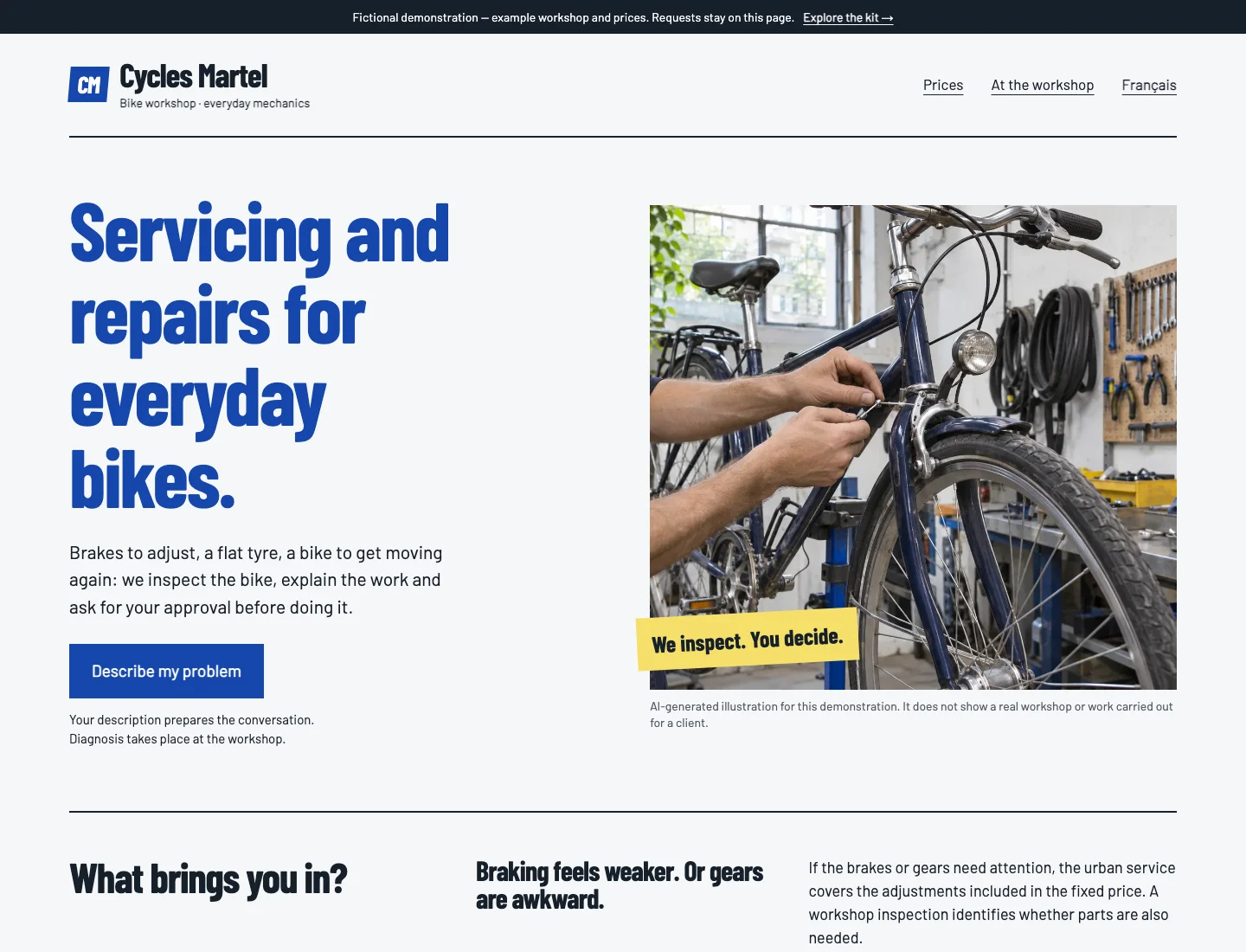
Cycles Martel: a bicycle workshop takes shape online
Fictional scenario worked through: a bicycle workshop that wants to present its prices and help customers describe a problem.
The kit’s method helps prepare the offer, copy, page architecture and implementation brief.
This prototype then required additional coding with Codex, using that preparation.
The kit provides a working folder: it includes neither coding nor hosting for the website.
Choose what you want to maintain
For a small business website, start with one audience, one offer and one primary action. “A beautiful website” leaves too much unanswered: visitors need to understand your service and how to contact you.
Choose a hosted visual editor if you want to update pages without handling code. Choose a coding agent if you want the files and can take responsibility for maintenance. Payments, customer accounts and sensitive data call for an appropriate technical review before launch.
- Visual editor: check export options, domain support, forms and plan conditions.
- Codex or Claude Code: prepare a project folder, a preview and an owner for deployment.
- Service provider: use the same brief to compare scope and quotes.
1. Write a brief you can check
Collect your offer, public contact details, approved photos, service area and common questions. Mark missing facts. AI must not fill gaps with invented reviews, prices or results.
The folder describes the website; code makes it work; hosting makes it publicly accessible. Approving the documents does not establish that the software or hosting is ready.
Prepare a small business website brief for [business].
Audience: [specific buyer]. Primary action: [contact or booking].
Approved sources: [documents]. Missing facts: [list].
Propose pages, their purpose and the copy needed.
Flag unknowns. Do not invent testimonials or performance figures.
2. Fictional example: an operations consultant
This is a fictional example with no real client or measured outcome. Brief: a consultant helps small agency owners keep track of projects. The website should encourage an initial enquiry. This version includes no automated booking or payments.
Sitemap: Home → Support → Method → Contact. Home explains the problem and next step; Support defines the service; Method explains the process; Contact collects enquiries.
Example homepage copy: “Get a clear view of your agency projects. I help you decide who tracks what, with which tools and how often. Tell me about your situation so we can prepare an initial conversation.”
consultant/
  brief.md — audience, offer, exclusions
  pages.md — Home, Support, Method, Contact
  copy.md — copy awaiting review
checks.md — links, mobile, contact- Acceptance: every page leads to Contact; no claims of hours saved without evidence.
- The form asks only for name, reply address and subject; a real test submission produces a visible confirmation.
- The consultant checks contact details and service scope before publication.
3. Fictional example: a local carpenter
This is a fictional business. Brief: a carpenter builds fitted storage within a local service area that still needs confirmation. The website should collect quote enquiries with a project type and location. It promises neither an instant quote nor guaranteed availability.
Sitemap: Home → Fitted storage → Past work → Request a quote. Keep Past work empty until the carpenter supplies genuine project photographs and permission to use them.
Example copy: “Storage that fits your room. Tell me about your project, your location and any measurements you have. I will get in touch to clarify the requirements before preparing a quote.”
carpenter/
  brief.md — services and area to confirm
  pages.md — Home, Storage, Past work, Quote
  copy.md — quote request without false promises
checks.md — photos, phone, delivery- Acceptance: the actual service area is consistent across pages; no fictional address is published.
- The quote button works on a phone; the carpenter receives the test enquiry.
- Published photos are owned or licensed; no invented completed projects.
4. Turn the documents into one working page
Approve the sitemap and copy before asking for a layout. Build the homepage with real content first, then the remaining pages. Review it on a phone: check heading size and whether the main action is easy to find.
Follow the procedure for your chosen tool. The Codex guide uses our existing starter prompt; the Claude Code guide explains project instructions in CLAUDE.md.
5. Budget and launch: check each item
Budget separately for the AI tool, domain, hosting, services such as forms and ongoing maintenance. An AI subscription does not automatically cover those items. Check current provider terms; this guide does not give a universal price estimate.
Before publishing, inspect every page, link, heading, image, keyboard interaction and form. After publishing, check the public URL, HTTPS and message delivery. Keep a recoverable version of both the site and its documents. Your notices and data handling should match your actual business.
Both examples are documents written for this guide. They are not evidence that a website was generated or tested in Codex or Claude Code. Tool documentation consulted on 7 November 2026 is linked from the two procedural guides.
Can I build a website without coding?
Yes, with a visual editor. If you use a coding agent, someone still needs to check the files, forms and deployment even if you do not write the code yourself.
Does the kit deliver a live website?
No. It prepares a working folder, sitemap, page copy and brief. Coding and hosting remain separate tasks.
What should I check before launch?
Actual content, links, mobile layout, keyboard access, form delivery and a recoverable version. Also check the services and requirements that apply to your business.
Prepare my website folder
The AI Website kit prepares your working folder, sitemap, page copy and brief. Coding, technical tests and hosting still need to be completed with your chosen tool or a service provider.