Build a website with Codex: files, checks and iteration
Use Codex through small, checkable tasks: a clear folder, one working page, specific fixes and checks before publishing. This workflow continues from the starter prompt.
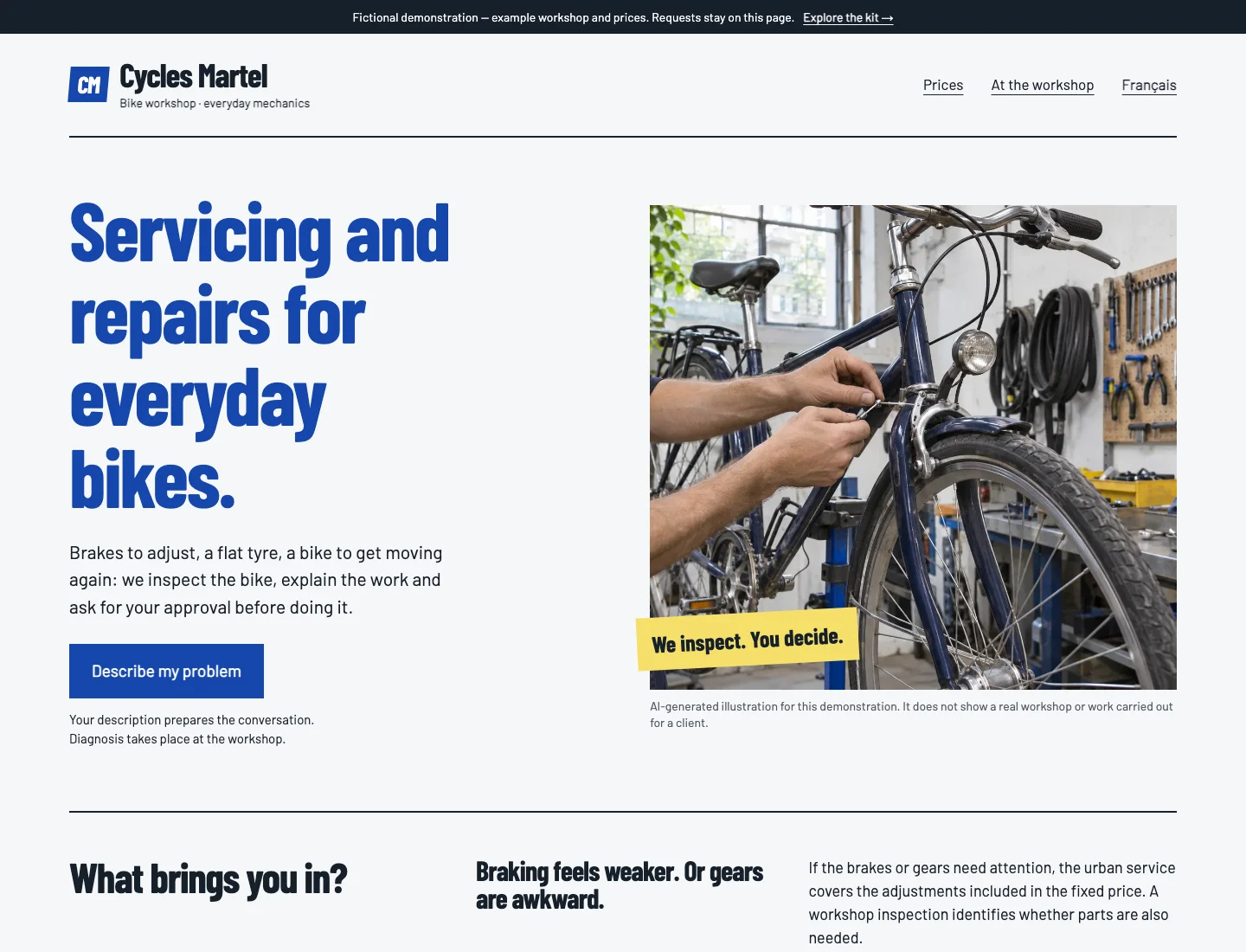
Cycles Martel: a bicycle workshop takes shape online
Fictional scenario worked through: a bicycle workshop that wants to present its prices and help customers describe a problem.
The kit’s method helps prepare the offer, copy, page architecture and implementation brief.
This prototype then required additional coding with Codex, using that preparation.
The kit provides a working folder: it includes neither coding nor hosting for the website.
1. Open a project folder
This workflow assumes Codex can access your project files. Start in a dedicated folder or the existing website repository. Keep a recoverable copy before making changes. Supply the approved brief, sitemap and copy; never put private keys in project instructions.
Use AGENTS.md for project rules: scope, reference files and expected checks. For an existing website, ask Codex to read the documentation and commands before proposing a new stack.
AGENTS.md
Goal: business website with one main contact action.
Read brief.md, pages.md and copy.md before editing.
Do not invent testimonials, prices or references.
Reuse the existing structure.
After editing: report changed files and checks actually run.
2. Use the starter prompt, then resolve missing facts
Our free resource provides the Codex website prompt. Start there; this guide covers what comes next: persistent documents, small tasks and verification.
Request a short plan before code: target pages, affected files and blocking questions. Agree on one homepage using approved copy before expanding to the whole website.
3. Request one piece you can review
Start with the homepage: a headline, service explanation and contact button. Ask Codex to keep the project components and commands. In an empty folder, clarify preview prerequisites before installing tools.
Generated code is not proof that the website works. Ask which commands actually ran and what they returned. Checks that were not performed must remain clearly identified.
Read AGENTS.md and the website documents.
Implement only the approved homepage using existing components.
The main button must lead to the contact destination in pages.md.
Run the available project checks.
Report changed files, results and anything not verified.
Do not publish the website.
4. Iterate from a specific observation
Open the preview in a browser on desktop and phone. Try the menu with a keyboard, follow every link and complete the contact flow. For forms, check that the message arrives: a success screen alone is insufficient.
Describe a reproducible issue: page, screen size, action, observed result and expected result. After the fix, repeat that action and relevant checks. An agent without browser access cannot attest to visual quality.
At 375 px wide, the homepage contact button overflows.
Expected: readable text, a complete button and no horizontal scrolling.
Fix the layout, then check the desktop view too.
Say whether you actually performed a visual check.
5. Finish the pages and prepare deployment
Apply the same review loop to each remaining page. Before launch, request required variables, the project build command and rollback steps. Supply secrets through the hosting provider’s intended mechanism.
Check the public domain, HTTPS and message delivery after publication. The AI Website kit prepares your starting documents; it does not deliver this code or hosting.
Source and limits
Official documentation consulted on 7 November 2026: AGENTS.md provides project instructions to Codex. File and command access depend on your environment. This guide makes no claims about free access or quotas; check your account terms. Prompts are suggested examples, not a report of a website built in Codex.
Do I need AGENTS.md to build a website?
Use it to keep project rules. Store the brief and page copy in their own files and ask Codex to read them before editing.
Does Codex host the site in this workflow?
This workflow covers files and verification. Arrange deployment with your hosting provider separately and check the public address.
What if Codex says everything works?
Ask for the checks actually performed and their results. Also open the site, follow the links and verify form delivery.
Prepare my website folder
The AI Website kit prepares your working folder, sitemap, page copy and brief. Coding, technical tests and hosting still need to be completed with your chosen tool or a service provider.